Single Post
- Home
- Single Post
Categoris
Get Started
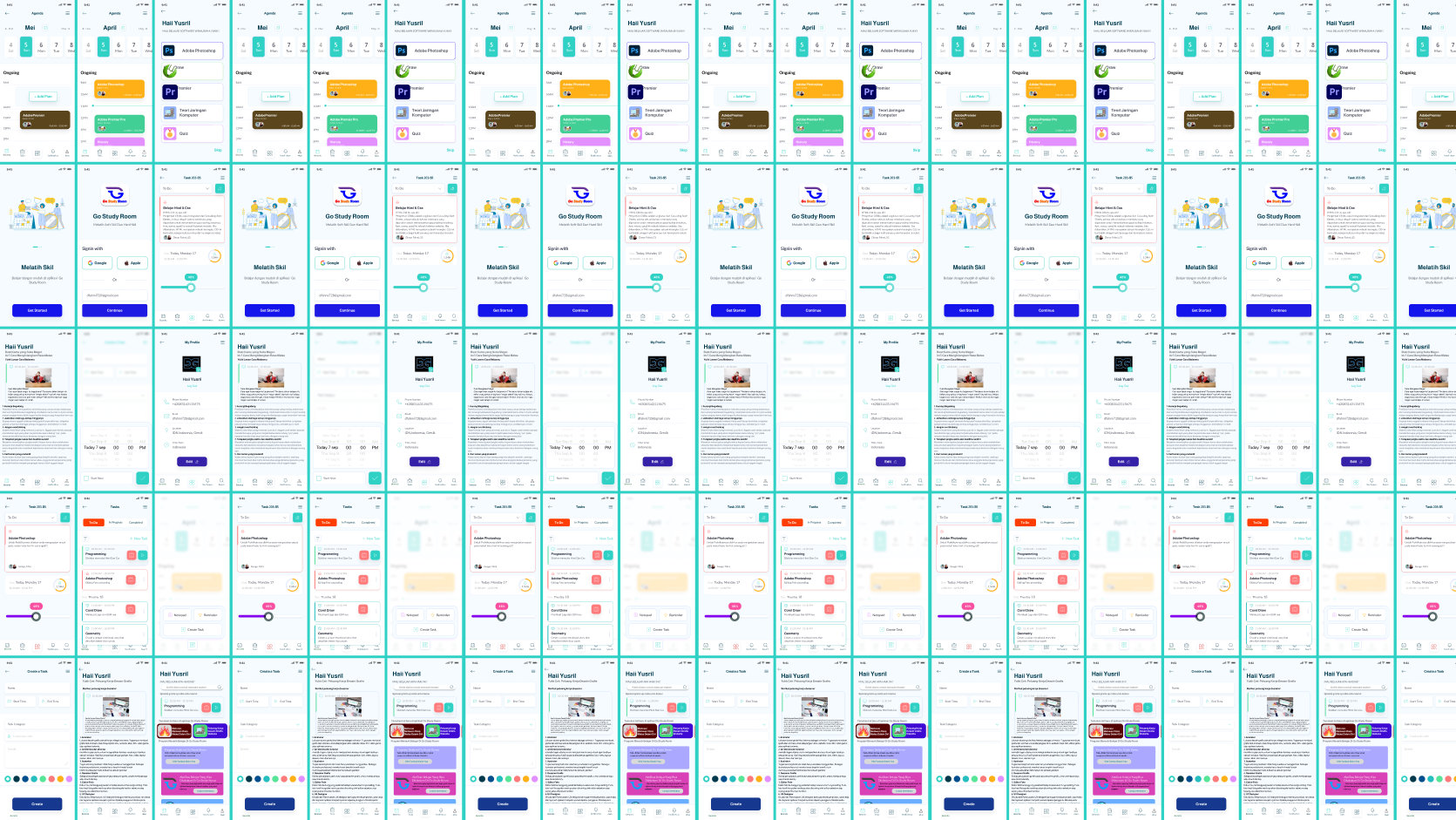
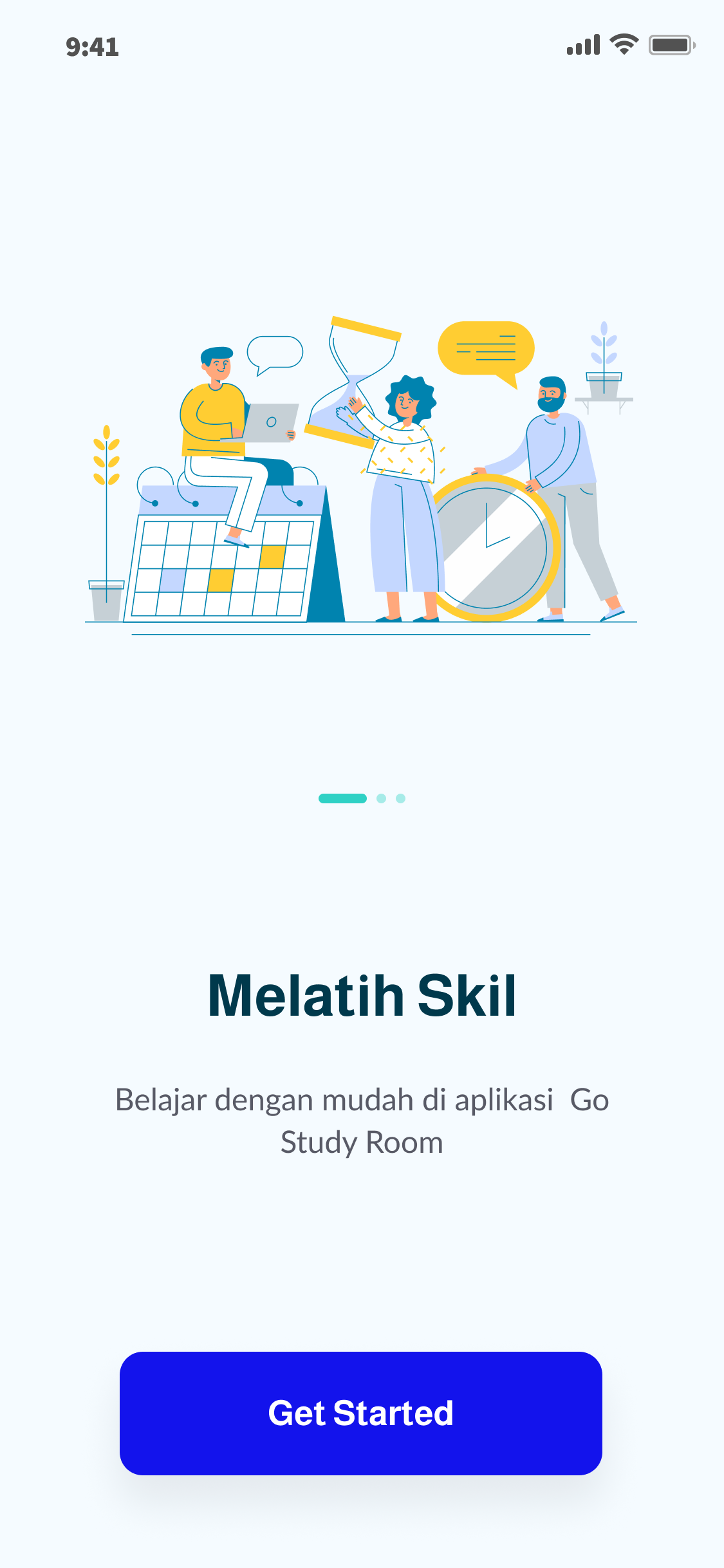
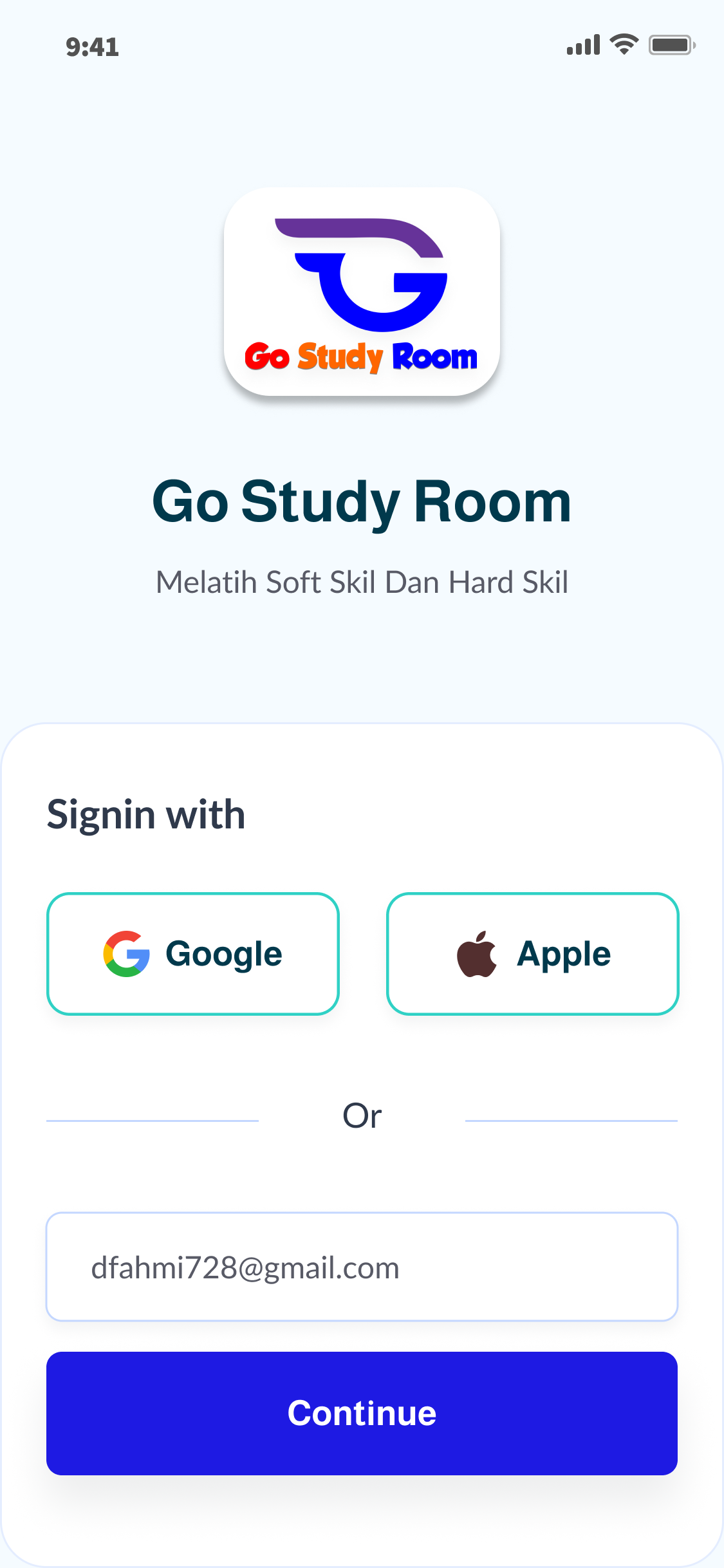
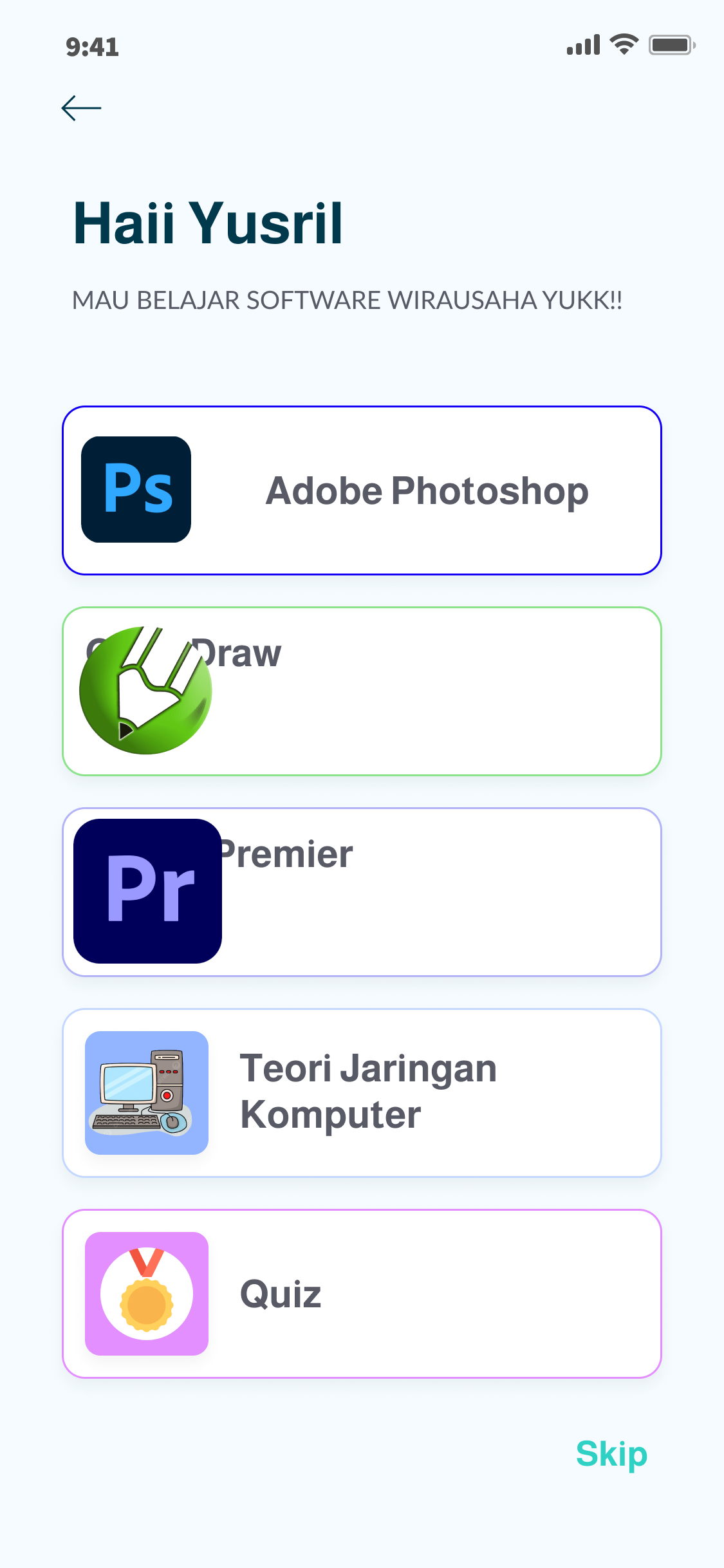
Go Study Room App UI/UX Design
User Flow & Prototype
Designing a Collaborative Learning Experience for Every Student
As the UI/UX Designer behind the Go Study Room mobile application, my goal was to create a digital learning environment where students can study together, stay motivated, and achieve their academic goals more effectively. Rather than simply building another study app, I focused on designing an engaging, distraction-free, and user-centered experience that encourages collaboration, productivity, and continuous learning.
Understanding User Needs
The design process started with understanding how students learn individually and collaboratively. Through user interviews, surveys, empathy mapping, and user journey analysis, I identified common challenges such as difficulty staying focused, lack of study motivation, poor schedule management, and limited interaction with study partners.
These insights became the foundation for designing a learning platform that prioritizes accessibility, collaboration, and an enjoyable learning experience.
Creating an Intuitive Learning Experience
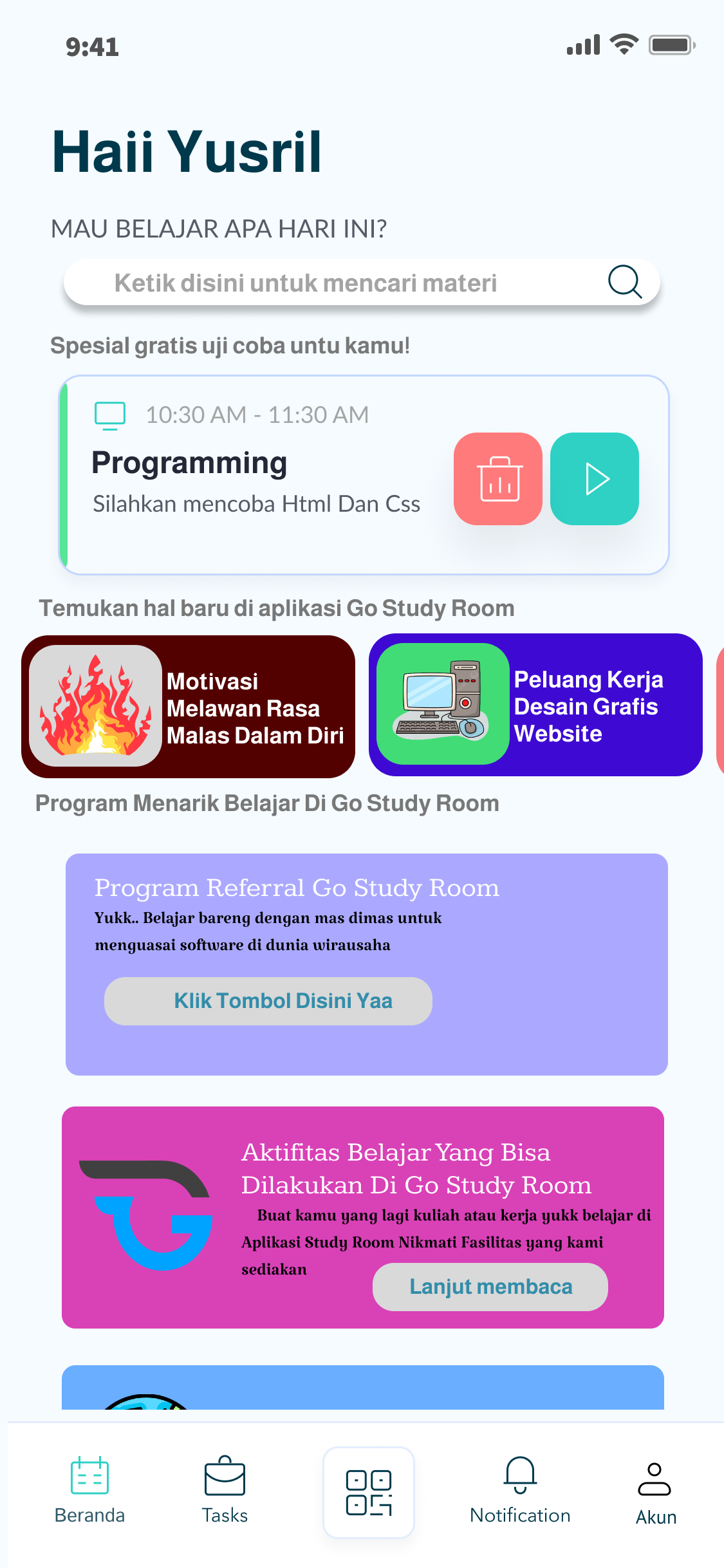
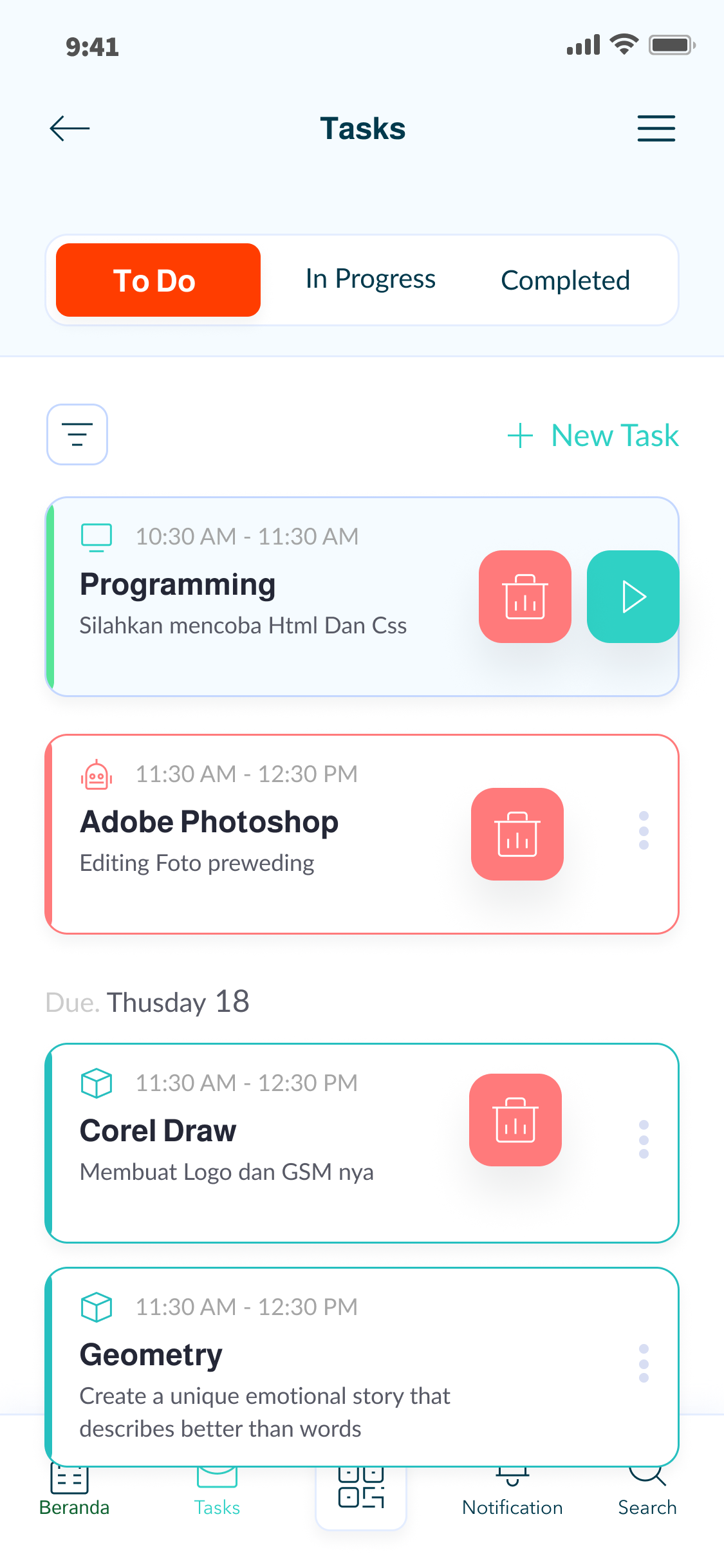
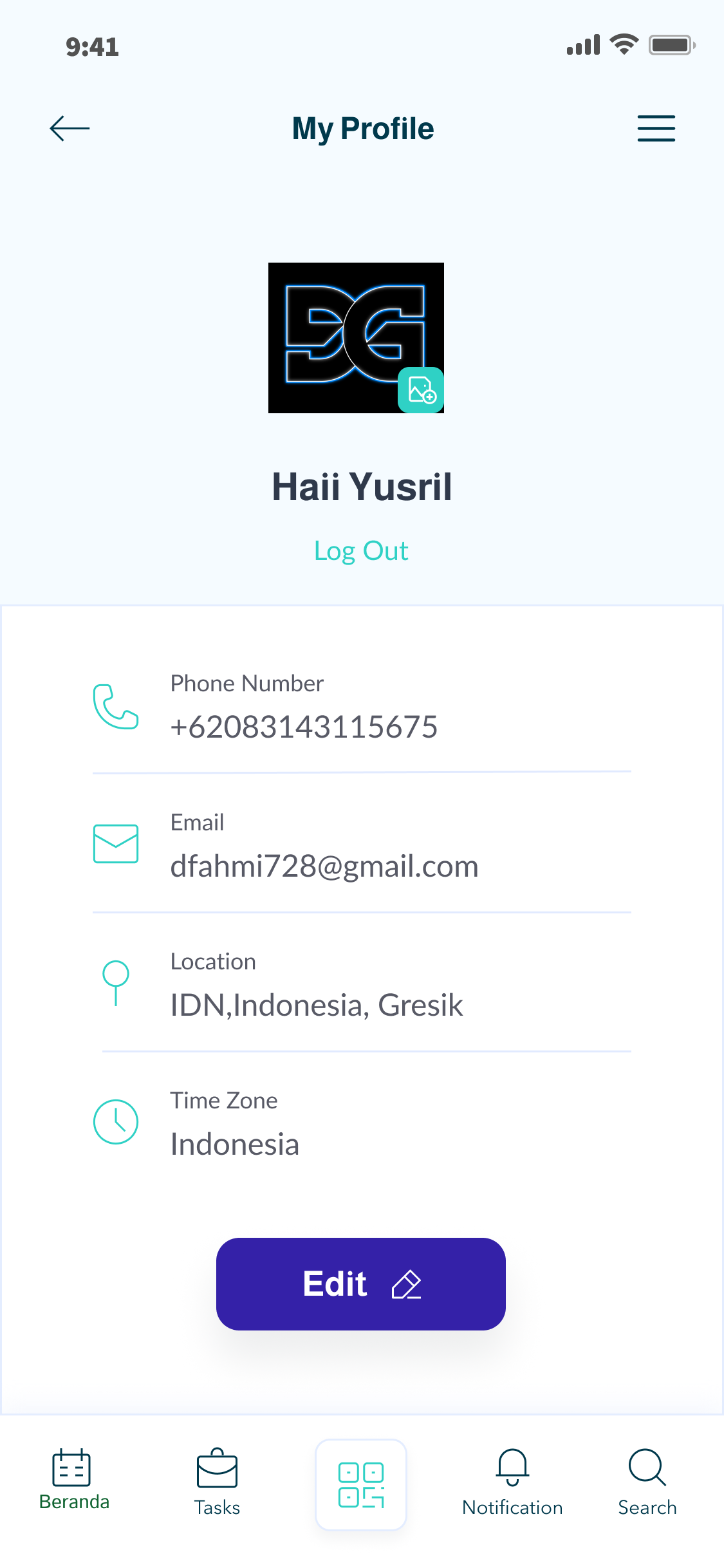
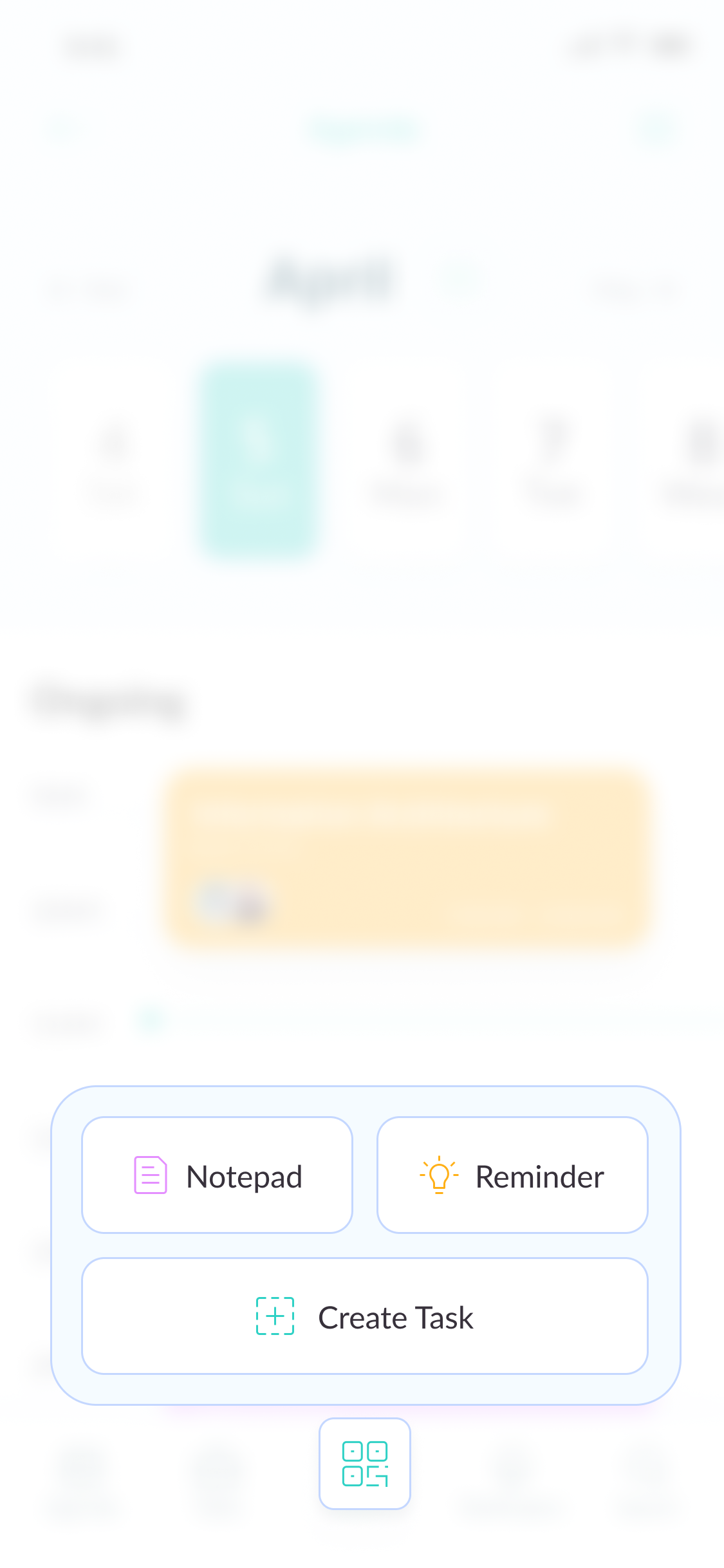
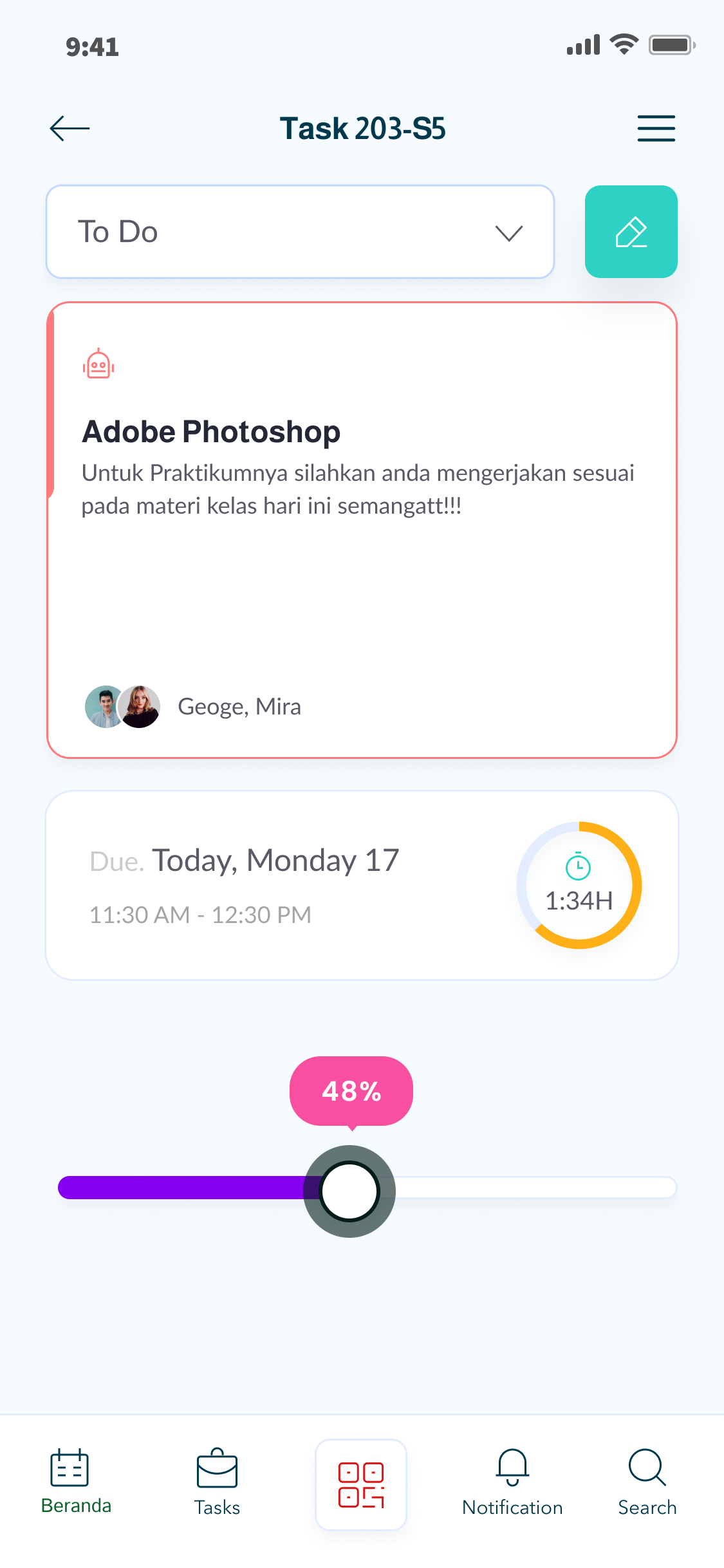
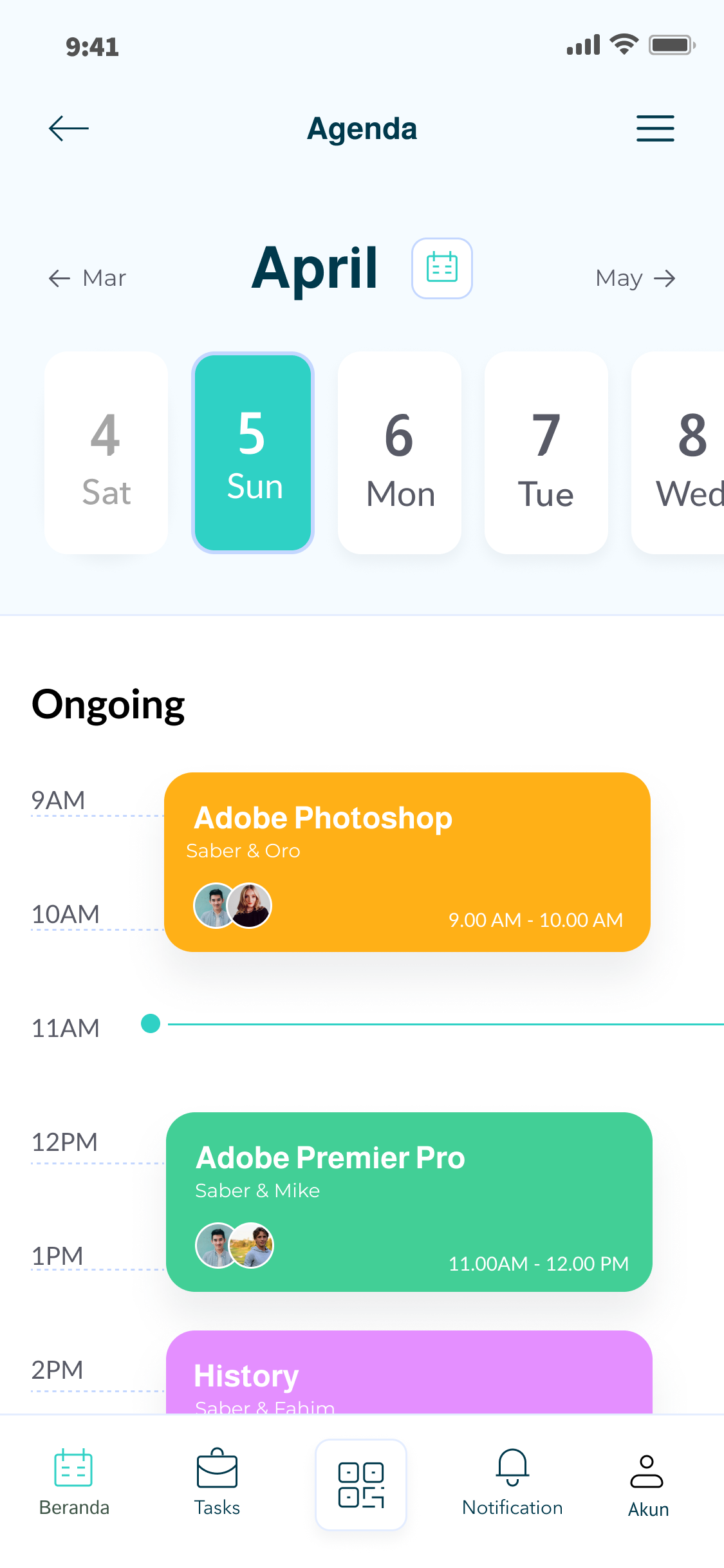
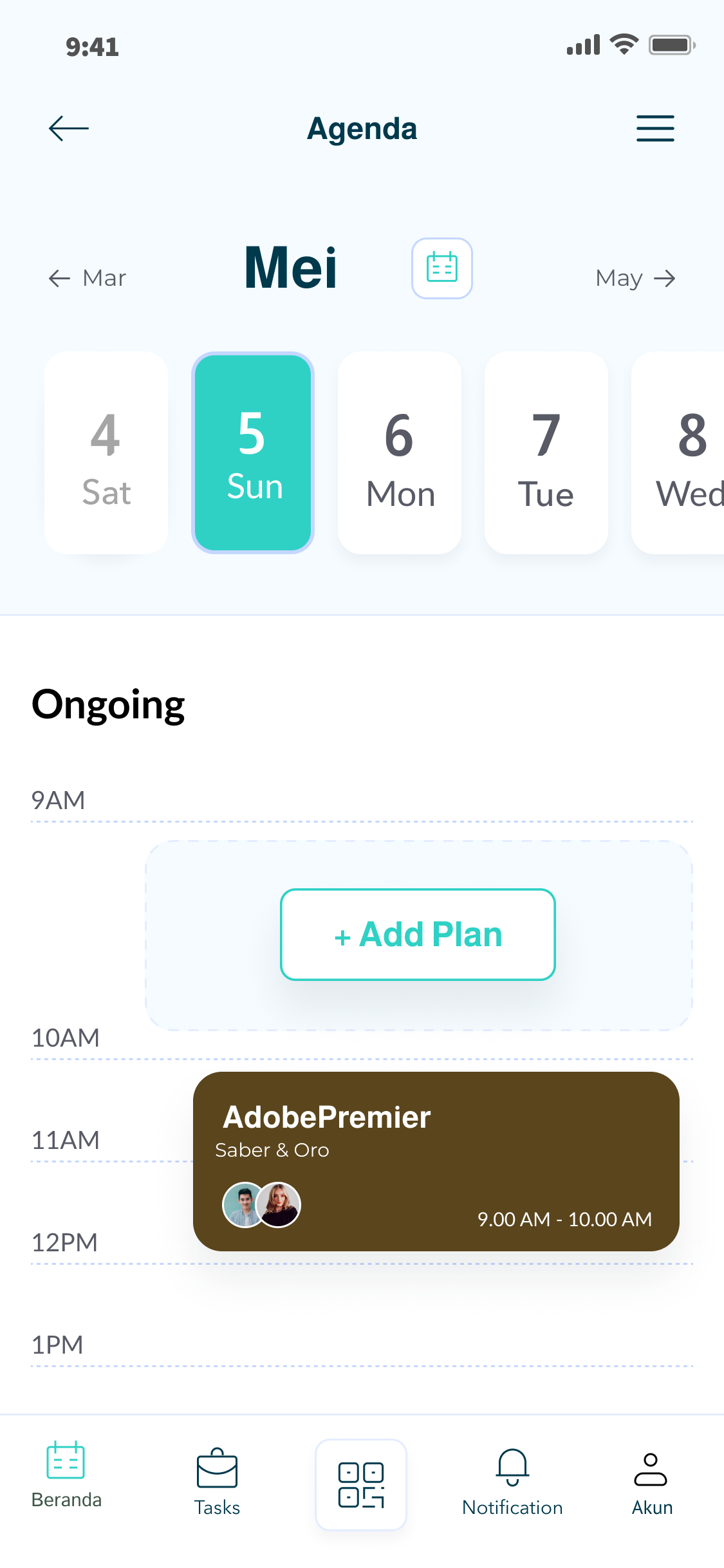
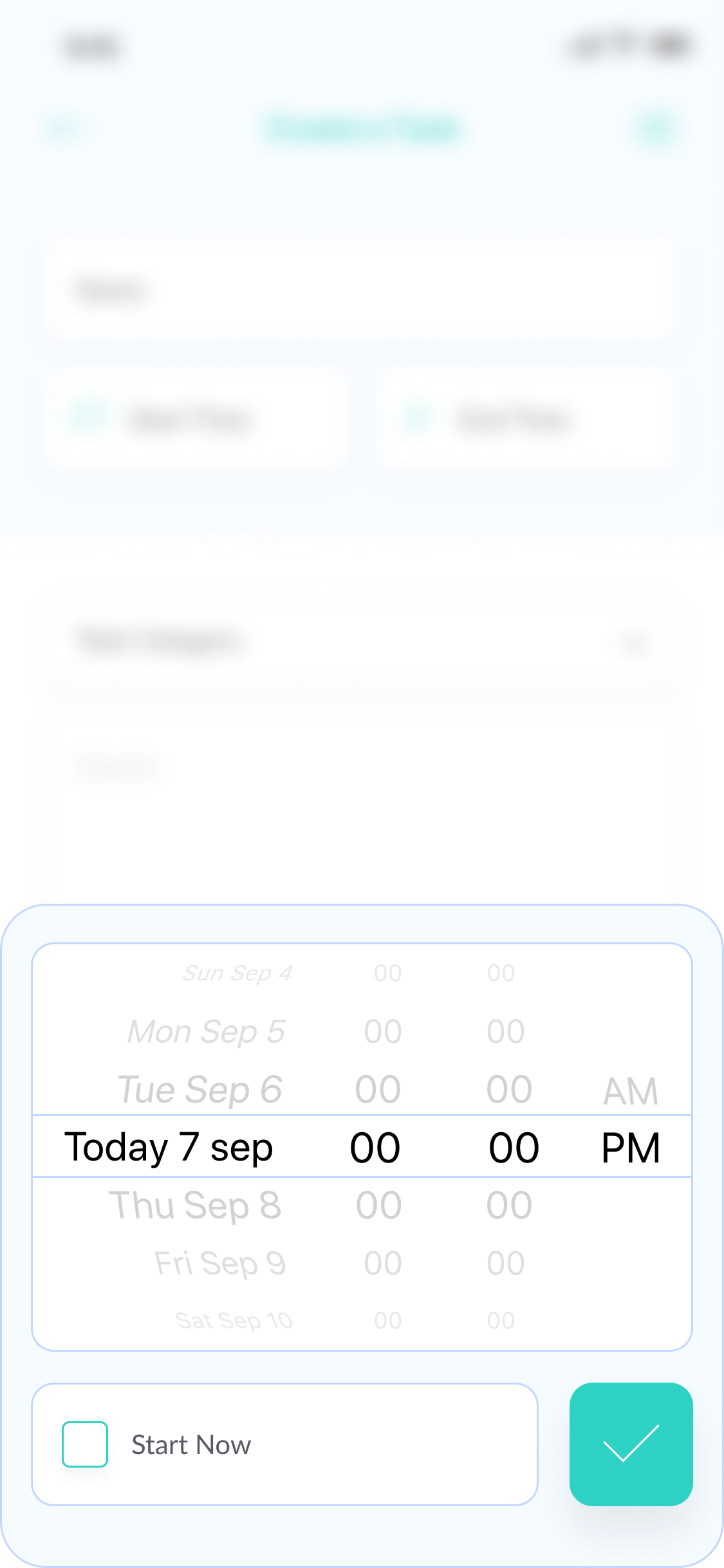
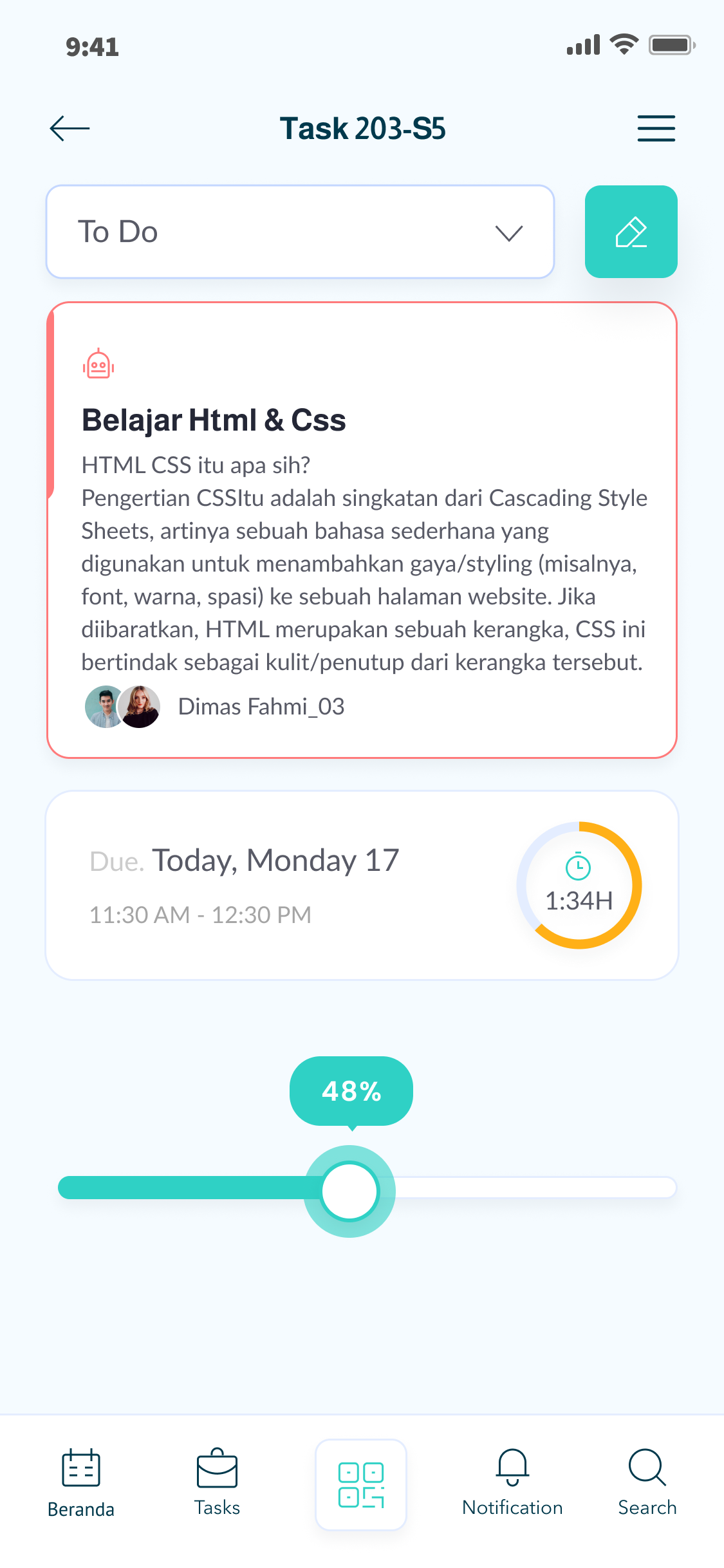
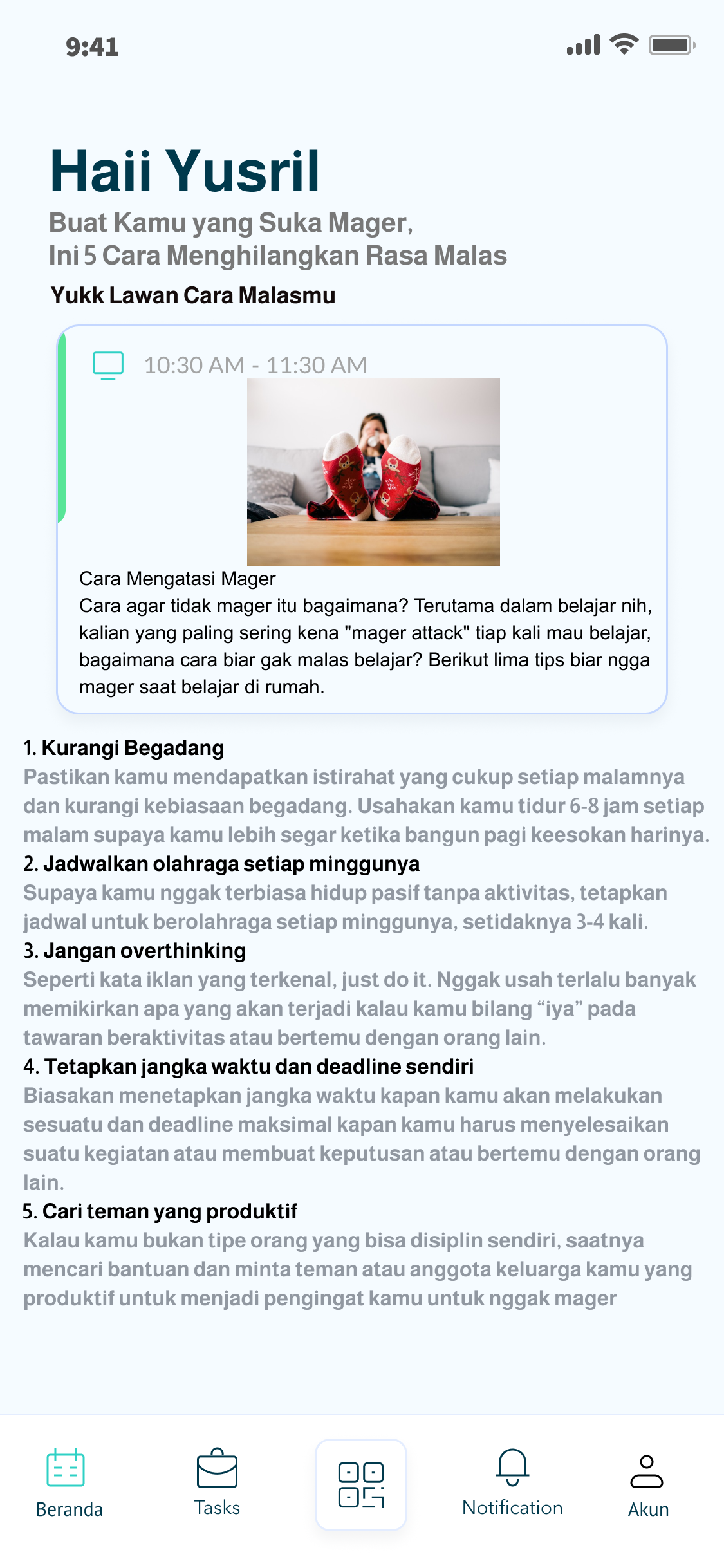
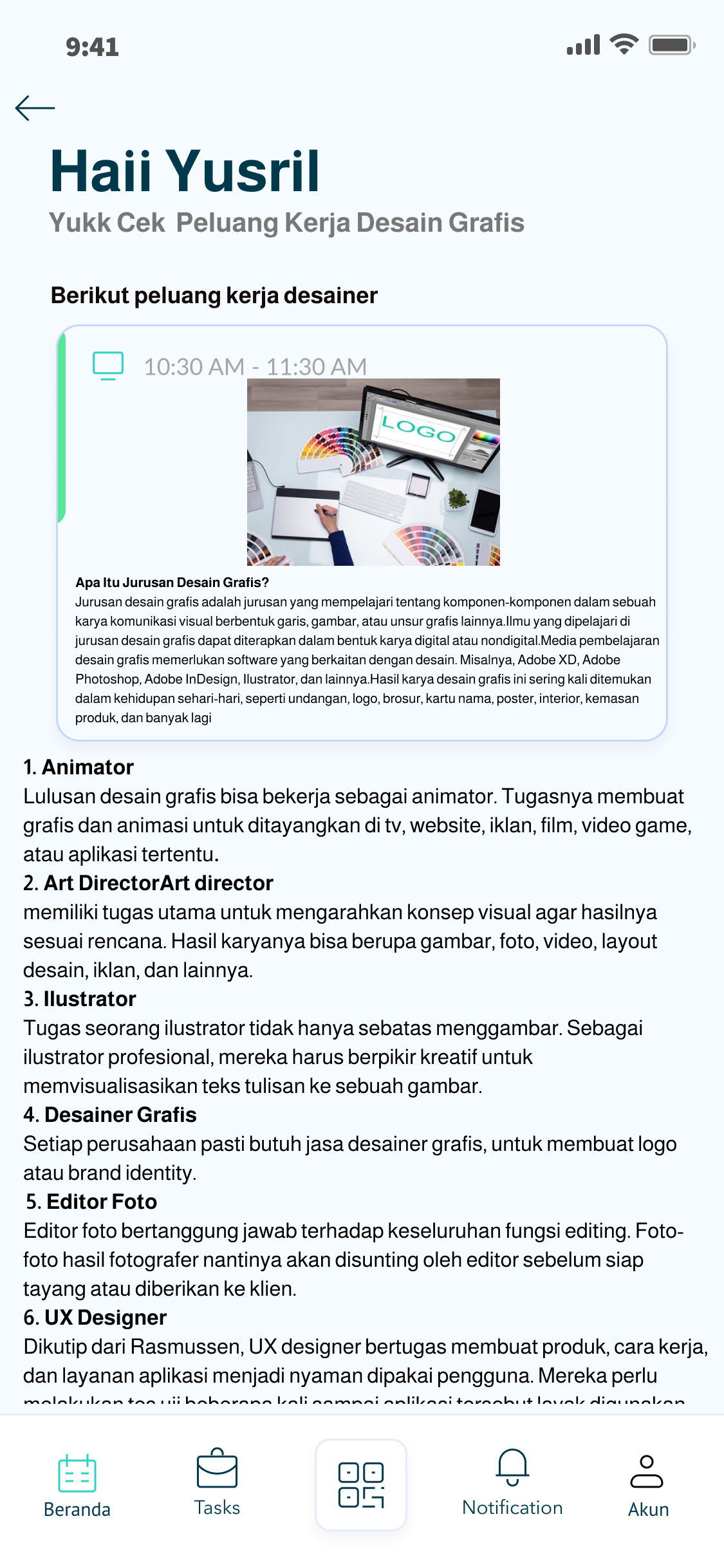
I designed a clean information architecture that allows students to quickly join study rooms, discover learning communities, attend virtual study sessions, share educational resources, chat with classmates, schedule study plans, and track their learning achievements.
Building a Consistent Design System
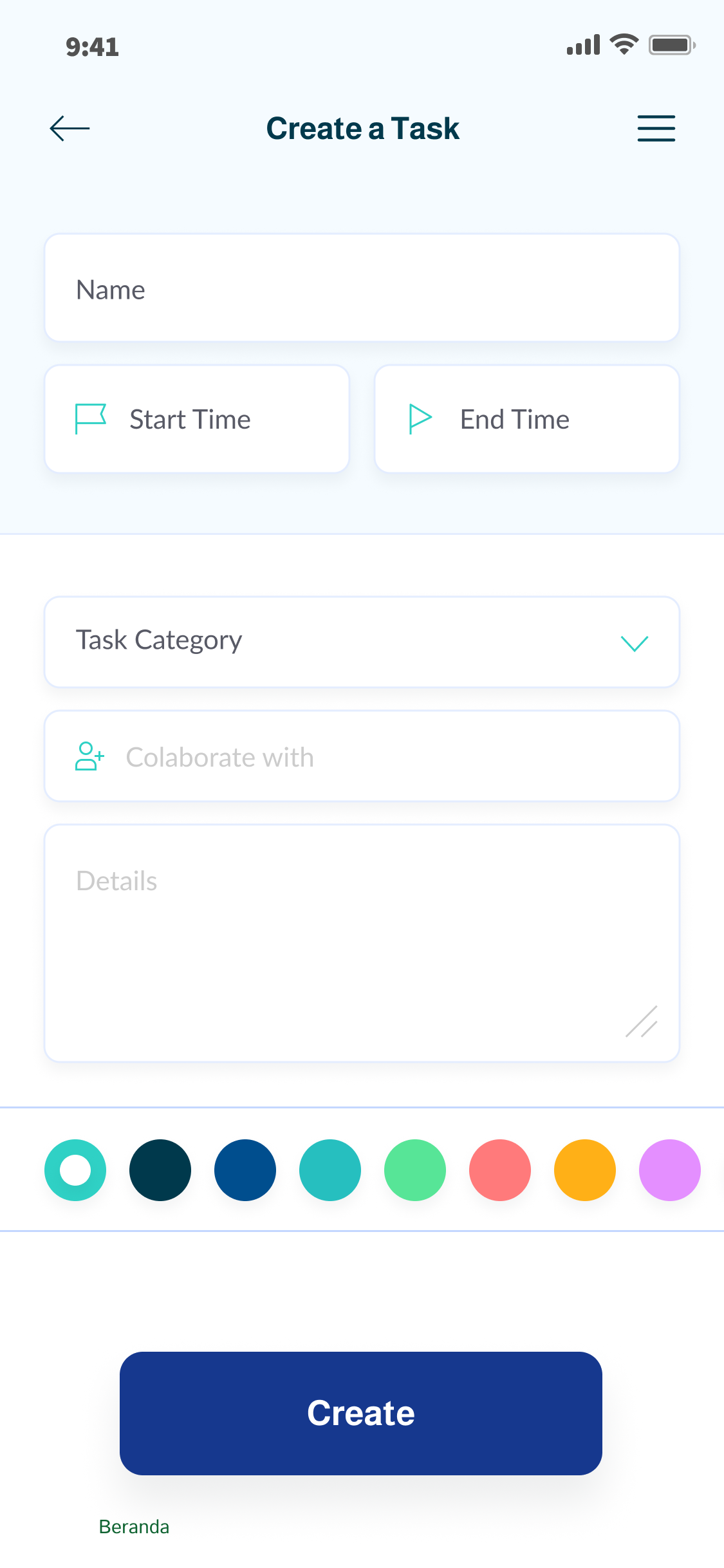
To ensure visual consistency throughout the application, I developed a scalable design system consisting of typography, color palettes, spacing, iconography, reusable UI components, buttons, forms, navigation patterns, cards, and responsive layouts.
Key Features
The Go Study Room application includes personalized dashboards, virtual study rooms, Pomodoro study timers, group discussions, voice and video collaboration, study scheduling, assignment reminders, progress tracking, achievement badges, educational communities, learning resources, push notifications, responsive mobile interfaces, and an administration dashboard for managing users and study groups
My Design Approach
Throughout this project, I focused on balancing usability, accessibility, and visual aesthetics while promoting collaborative learning. Every design decision aimed to improve productivity, encourage consistent study habits, and create an enjoyable digital environment where students feel motivated to learn together.
Project Outcome
This project demonstrates my ability to transform educational challenges into meaningful digital experiences through user research, UX strategy, information architecture, wireframing, prototyping, interface design, design systems, usability testing, and close collaboration with developers.
- Modern Study Room App UI/UX Design
- Smart Collaborative Learning Mobile App
- Student Productivity & Study Planner Application
- Digital Learning Community with Intuitive Navigation
- End-to-End Study Room Experience with Modern UI
- End-to-End Study Room Experience with Modern UI
- User-Friendly Virtual Study Room Experience
- Mobile App for Collaborative Learning & Focus Sessions
- Personalized Study Planner with Modern User Experience
- Minimalist Learning Management Mobile App
- End-to-End Study Room Experience with Modern UI
Every screen was carefully designed to help users easily discover study rooms, join collaborative sessions, communicate with peers, manage learning schedules, and monitor their academic progress all within a seamless and intuitive interface.